Miseria System Requirements
Minimum and recommended specs for Somnambulist Games’ Steam idle descent.
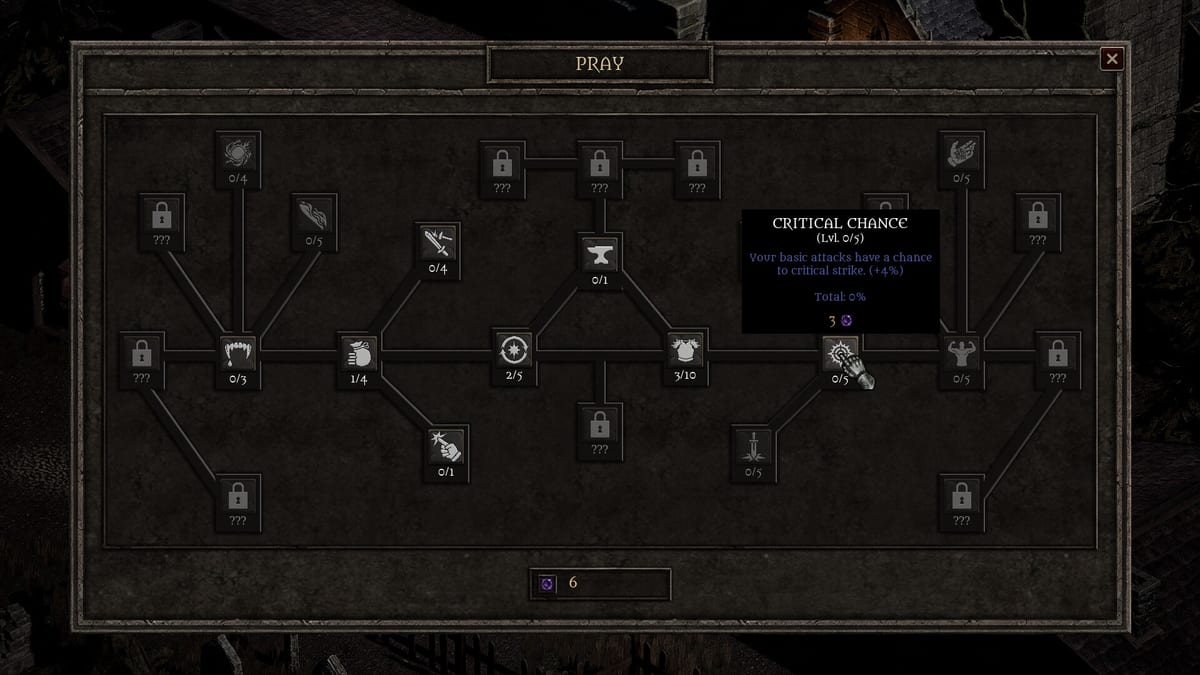
Before you commit Steam funds to Miseria, confirm your PC clears the official bar. Somnambulist Games lists Windows 10/11 64-bit requirements with DirectX 12 and a modest 900 MB install—appropriate for a focused idle incremental rather than a AAA open world. Use this page as a checklist, then read the Miseria review for gameplay fit. Specs below mirror the Steam store listing as of launch week August 2026; always re-check the store if your hardware is borderline.
Minimum requirements
- OS: Windows 10/11 (64-bit)
- Processor: Intel Core i5-8400 / AMD Ryzen 3 3100
- Memory: 8 GB RAM
- Graphics: NVIDIA GeForce GTX 1050 Ti / AMD Radeon RX 570
- DirectX: Version 12
- Storage: 900 MB available space
Minimum is the “it should run” line for 64-bit machines of the late-2010s gaming mainstream. If you are under these CPU/GPU marks, do not assume an idle genre tag guarantees buttery performance—DirectX 12 and the listed GPUs are still the developer’s floor.
Recommended requirements
- OS: Windows 10/11 (64-bit)
- Processor: Intel Core i5-8600K / AMD Ryzen 5 2600X
- Memory: 16 GB RAM
- Graphics: NVIDIA GeForce GTX 1060 / AMD Radeon RX 580
- DirectX: Version 12
- Storage: 900 MB available space
Recommended doubles RAM to 16 GB and steps GPU/CPU up a generation within the same era. For a game you may leave running for long idle sessions, extra RAM headroom helps if browsers, Discord, and the desktop share the machine—the common Miseria multi-task setup.
Practical notes for idle play
Power plans: Long descends mean hours of uptime. Prefer balanced or cool-running settings if you AFK overnight; thermal throttling on underpowered laptops hurts more than the forge priority list in Upgrade Priority.
Laptops: Meet or beat minimum GPU equivalents in discrete form when possible. Integrated graphics below the GTX 1050 Ti class are outside the official promise.
Steam Deck / handhelds: Steam’s Deck compatibility status can change—check the store overlay on your device. Cloud saves help move a single-player file between machines; there is still no multiplayer to worry about.
Storage: 900 MB is tiny. The constraint is almost never disk space; it is whether your GPU/DX12 stack matches the list.
Cloud: Steam Cloud is supported—handy when you Reborn on desktop and continue later elsewhere. Pair with discipline from How to Reborn so you do not sync mid-panic decisions across PCs.
Feature checklist beyond hardware
- Single-player only
- Steam Achievements (12)
- Steam Cloud
- Idle / auto combat suitable for low-APM play once builds stabilize (Early Game Build, Mid Game Build)
Hardware readiness does not equal genre readiness. If specs pass but prestige loops bore you, the Review Hub verdict matters more than a GTX 1060.
After install
Confirm the game launches, Steam Cloud attaches, and you can reach town/blacksmith/Church UIs. Then follow Getting Started, spend first Dark Blessings using the Church upgrades tier list, and keep Builds Hub / Items Hub nearby. The Reborn planner helps once resets begin.
Troubleshooting quick hits
- Update GPU drivers and verify DirectX 12 capable hardware.
- Run as a 64-bit OS install only—32-bit Windows is unsupported per the listing.
- Verify Steam files if the 900 MB install corrupts.
- Close heavy overlays if stutter appears during long AFK sessions.
Meet the recommended line when you can; meet the minimum line at least. Then let Dark Blessings—not driver debt—be the thing you optimize.
If you pass hardware checks and still stutter only when dozens of browser tabs share the GPU, lower background load before blaming Miseria’s abyss. Idle titles invite multitasking; they do not erase physics. Keep the Review Hub handy for buyer context, and keep progression pages like Items Hub and Tier List Hub handy once the executable is happily farming floors in the background.
Frequently Asked Questions
Quick answers to the most common questions.
What OS does Miseria require?
Windows 10 or Windows 11, 64-bit only, per the official Steam minimum and recommended lists.
How much storage space do I need?
About 900 MB available space for both minimum and recommended configurations.
Is 8 GB RAM enough?
8 GB is the official minimum. 16 GB is recommended, especially if you idle with many other apps open.
Does Miseria use DirectX 12?
Yes. Both minimum and recommended listings require DirectX Version 12.
Is there a Mac or console version listed?
The Steam page requirements covered here are for Windows PC. Check the store for any later platform expansions.
Should I read anything else before buying?
Yes—read the Miseria Review for gameplay fit, then Getting Started after install if you purchase.